For two decades MS-DOS was the main gaming platform on PCs. Games launched from the command line and used sound cards like Sound Blaster or AdLib. DOS is the home of legends such as Doom, Prince of Persia and Commander Keen.
Maker: IBM PC / Microsoft · Years: 1981–2000
Here on oldgame.cz you play it right in your browser via the js-dos emulator — no install, no plugins, on desktop and mobile.
Recommended controls: These games are controlled with the keyboard (see the controls table next to the game). A USB joystick/gamepad can make some titles more comfortable, but is not required.
 old
old
 SEGA Sonic the Hedgehog 3-Pack T-Shirt Sonic, Tails,affiliate linkView on eBay »
 Funko Pop Super Sonic First Appearance #877 Glow in Dark LEaffiliate linkView on eBay »
 Sega Sanei Knuckles Plush Doll Sonic the Hedgehog Japanaffiliate linkView on eBay »
 Sonic Adventure 2 Battle Nintendo GameCube 13" x 18" Wallaffiliate linkView on eBay »
 Secret Sonic Pin Club SMOKING MILES "TAILS" PROWER Enamelaffiliate linkView on eBay »
 Sonic the Hedgehog tee T-shirt + Tote bag Expo ax 2024affiliate linkView on eBay »
 ▶Richard Scarry's How Things Work in Busytown1994MS-DOS / PC
 ▶Off to Europe / Auf dem weg nach Europa v4.3 (1993)1993MS-DOS / PC
 ▶The Mutanoid Math Challenge1991MS-DOS / PC
 ▶Vegas Pro Video Poker1989MS-DOS / PCTokko▶TokkoMS-DOS / PC
 ▶How Things Work in Busytown1994MS-DOS / PC

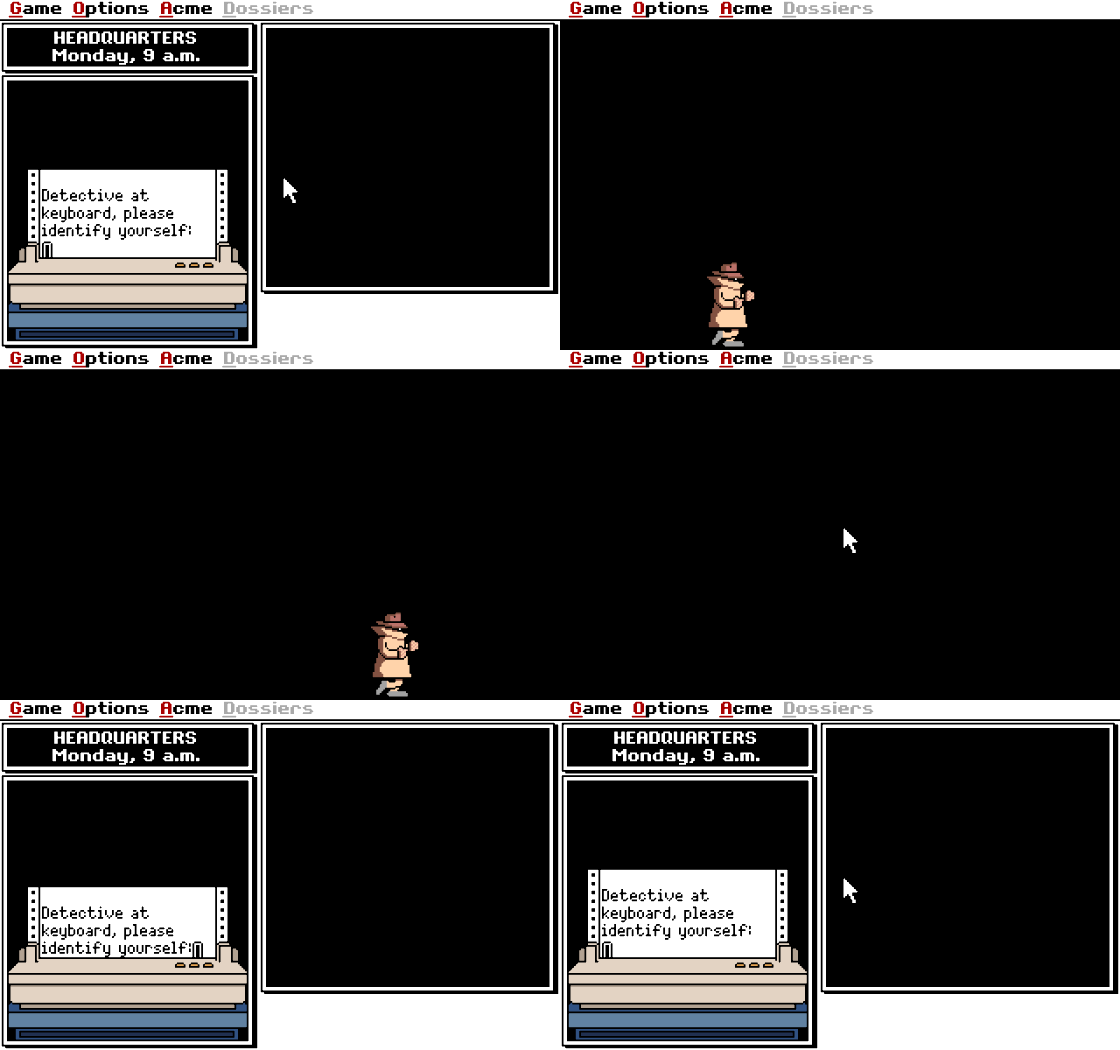 ▶Daily Carmen Sandiego1992MS-DOS / PC
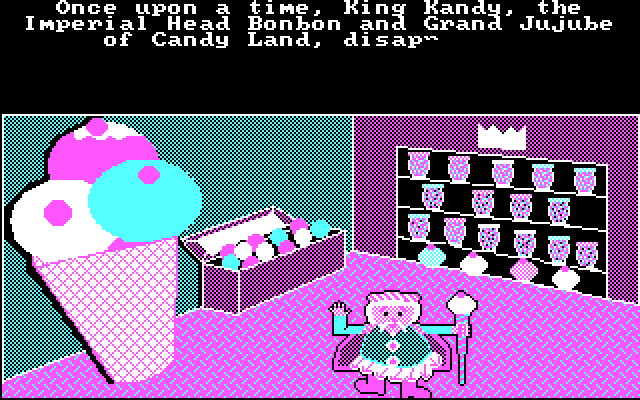 ▶Candy Land DOS1988MS-DOS / PC
