 old
Zulu
– Commodore 64For Sonic fansAd
 BoxLunch Sonic The Hedgehog Classic Radial Tie Dye T-ShirtAdView on eBay »
 Sonic Adventure 2 Videogame Diorama Cube, Super Sonic,AdView on eBay »
 Neo Metal Sonic Plush Great Eastern Entertainment TheAdView on eBay »
 Sonic Adventure 2 Promo Poster 10th Anniversary EGMAdView on eBay »
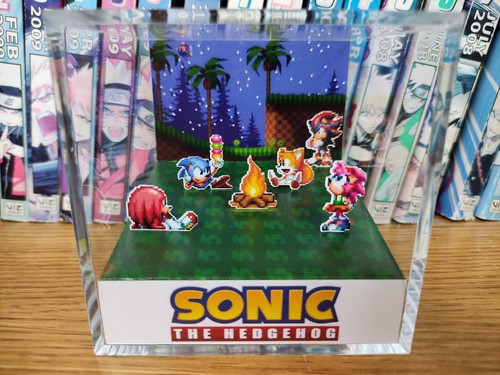 Sonic Hedgehog Campfire - Tails Knuckles Shadow Retro CubeAdView on eBay »
 Sonic Shuffle SEGA Dreamcast promo slide puzzle E3 swagAdView on eBay »For Sonic fansBoxLunch Sonic The Hedgehog Classic Radial Tie Dye T-ShirtView on eBay »For Sonic fansSonic Adventure 2 Videogame Diorama Cube, Super Sonic,View on eBay »For Sonic fansNeo Metal Sonic Plush Great Eastern Entertainment TheView on eBay »For Sonic fansSonic Adventure 2 Promo Poster 10th Anniversary EGMView on eBay »
Your game is loading meanwhile
ControlsArrows move · Z X A S buttons · Enter Start · Shift Select · or plug in a gamepadCommodore 64
About the platform 1982–1994
The Commodore 64 is the best-selling home computer of all time (over 17 million units). Its SID sound chip became iconic and chiptune music is still composed for it today.
Here on oldgame.cz you play it right in your browser via the EmulatorJS emulator — no install, no plugins, on desktop and mobile.
Recommended controls
These games are controlled with the keyboard (see the controls table next to the game). A USB joystick/gamepad can make some titles more comfortable, but is not required.