oldgame.cz — old & retro games online free
EN
95 Desktop

Presentation: Everex Carrier SL/25

– MS-DOS
Presentation: Everex Carrier SL/25
ControlsArrows moveCtrl/Alt fireEnter useEnter/Space start/selectEsc menuMS-DOS

1992 · MS-DOS / PC

Game info_□✕

About Presentation: Everex Carrier SL/25

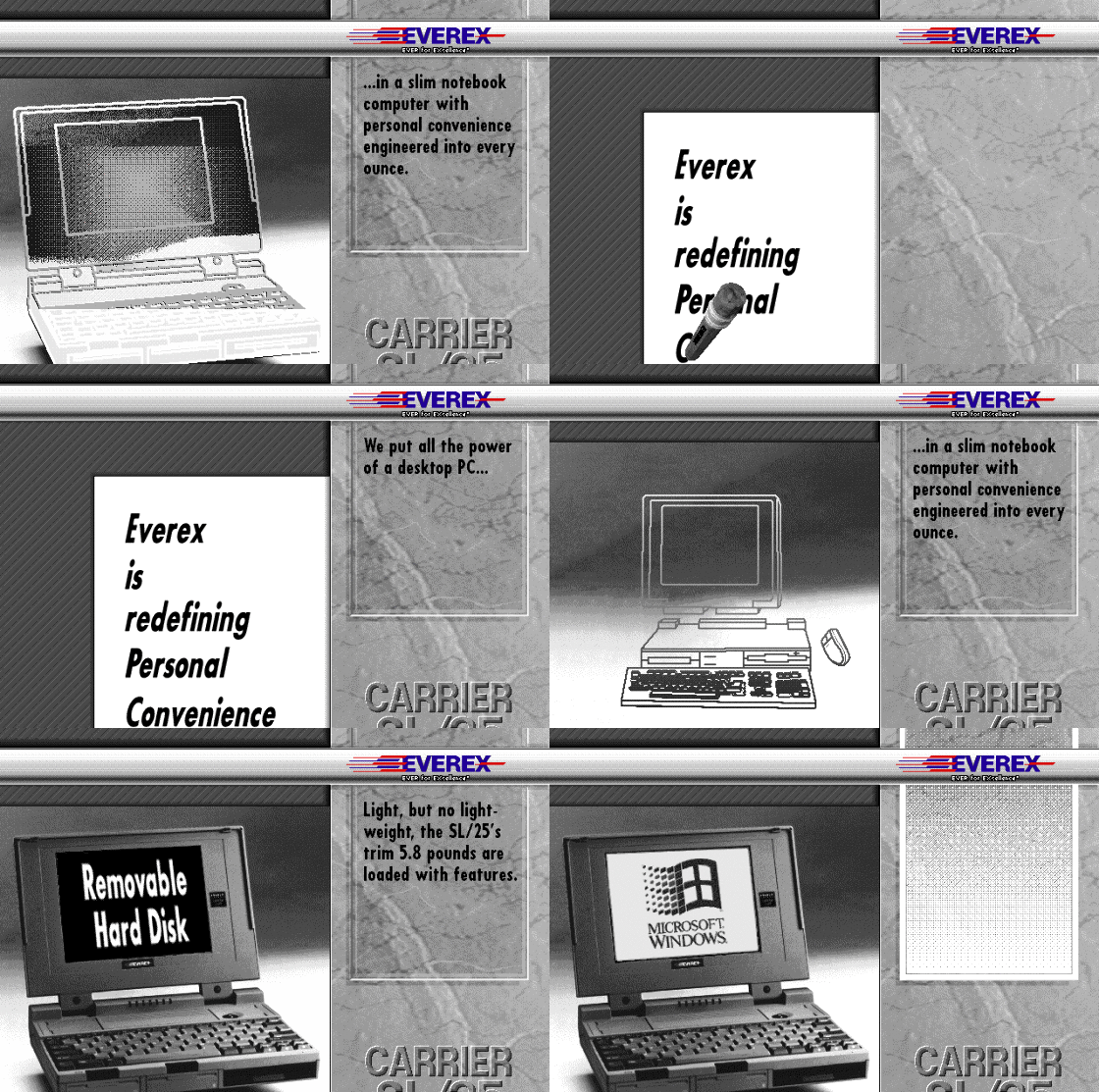
Everex Carrier? That is exactly the type of software you probably would not even notice until someone tells you it exists. This obscure piece from the early nineties is more a tool than a game — software for managing an Everex notebook, a predecessor of today's laptop “control panels”.

Presentation: Everex Carrier SL/25 – screenshot 1

It is a utility for managing hardware and power in old Everex portable computers. Such things were a necessity in an era when a notebook running DOS with a seven-hour battery life was the peak of luxury. Carrier was meant to keep watch over the processor's operation, power consumption, something to do with the modem, and to let you browse settings in a menu. When you have a three-thousand-dollar computer, you do not want it needlessly eating up power.

Don't look for gameplay here — it is not a game in the sense you know. It is a menu with lots of text fields and settings, where you click with the mouse or navigate between options with the keyboard. A terminal with a graphical touch, which in MS-DOS looks like a jumble of little rectangles. Efficient? Maybe. Fun? Not really. It is simply the kind of thing you always ignored while waiting for it to finish.

Today you can fire it up more as an amateur historian of computer culture. It is an authentic testimony of what hardware management looked like in the nineties — no fancy icons, no nicely designed UI, just bare functionality. Everex as a brand has vanished, and with it the reason why this should exist.

If you are interested in how people worked on portable computers in the early nineties, or you collect old software from that era, it is a curiosity. To everyone else I would recommend picking a game that actually tried to entertain people instead.

Presentation: Everex Carrier SL/25 FAQ

Can I play Presentation: Everex Carrier SL/25 online for free?
Yes — you can play Presentation: Everex Carrier SL/25 right here in your browser for free, with no installation and no plugins, on both desktop and mobile.
Can I download Presentation: Everex Carrier SL/25?
Yes, Presentation: Everex Carrier SL/25 is available to download here — use the Download button on this page.
What platform does Presentation: Everex Carrier SL/25 run on?
Presentation: Everex Carrier SL/25 is a MS-DOS / PC game from 1992.
When was Presentation: Everex Carrier SL/25 released?
Presentation: Everex Carrier SL/25 was released in 1992.
How do I save my progress in Presentation: Everex Carrier SL/25?
Save inside the game itself — via its own menu, or F2/F3. And if you log in (free), your position is also stored in the cloud, so you can continue on another computer or phone.
Is it legal to play Presentation: Everex Carrier SL/25 online here?
You play it in your browser via an emulator. For how we handle abandonware and copyright, see our "Is it legal?" page.
How do I control Presentation: Everex Carrier SL/25?
The controls are in the Controls section on this page. The keyboard is usually all you need — arrow keys to move and Ctrl, Alt or Space for actions.
Can I play Presentation: Everex Carrier SL/25 on mobile?
Yes — it runs right in your browser on phones and tablets too. Just tap Play, nothing to install.

Comments on Presentation: Everex Carrier SL/25

(0)

No comments yet. Be the first!

Gaming platform – MS-DOS / PC_□✕
About the platform 1981–2000

For two decades MS-DOS was the main gaming platform on PCs. Games launched from the command line and used sound cards like Sound Blaster or AdLib. DOS is the home of legends such as Doom, Prince of Persia and Commander Keen.

Maker IBM PC / Microsoft  ·  Years 1981–2000

Here on oldgame.cz you play it right in your browser via the js-dos emulator — no install, no plugins, on desktop and mobile.

Recommended controls
These games are controlled with the keyboard (see the controls table next to the game). A USB joystick/gamepad can make some titles more comfortable, but is not required.

» More about this platform on Wikipedia

» Random
🚪 Classic site