 old
Blue Powder Grey Smoke
– Commodore 64
For Sonic fansAd
 Sonic the Hedgehog Graphic T-Shirt Green Hill ZoneAdView on eBay »
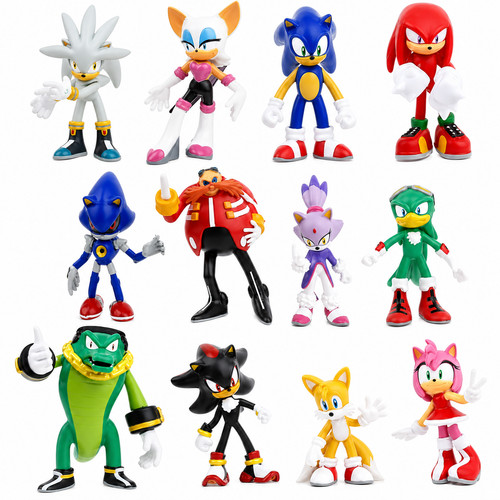 Sonic the Hedgehog 2nd Gen Action Figures 12-Pack 2.5"AdView on eBay »
 Jakks Pacific Metal Sonic the Hedgehog Plush 35thAdView on eBay »
 Sonic the Hedgehog Fang with Wanted Poster 4" Inch ActionAdView on eBay »
 Amy Rose's hammer from Sonic 3D , improved versionAdView on eBay »
 Sonic the Hedgehog Through the Ages T-ShirtAdView on eBay »For Sonic fansSonic the Hedgehog Graphic T-Shirt Green Hill ZoneView on eBay »For Sonic fansSonic the Hedgehog 2nd Gen Action Figures 12-Pack 2.5"View on eBay »For Sonic fansJakks Pacific Metal Sonic the Hedgehog Plush 35thView on eBay »For Sonic fansSonic the Hedgehog Fang with Wanted Poster 4" Inch ActionView on eBay »
Your game is loading meanwhile
ControlsArrows move · Z X A S buttons · Enter Start · Shift Select · or plug in a gamepadCommodore 64
About the platform 1982–1994
The Commodore 64 is the best-selling home computer of all time (over 17 million units). Its SID sound chip became iconic and chiptune music is still composed for it today.
Here on oldgame.cz you play it right in your browser via the EmulatorJS emulator — no install, no plugins, on desktop and mobile.
Recommended controls
These games are controlled with the keyboard (see the controls table next to the game). A USB joystick/gamepad can make some titles more comfortable, but is not required.