 old
oldBeach Blanket Volleyball
– Commodore 64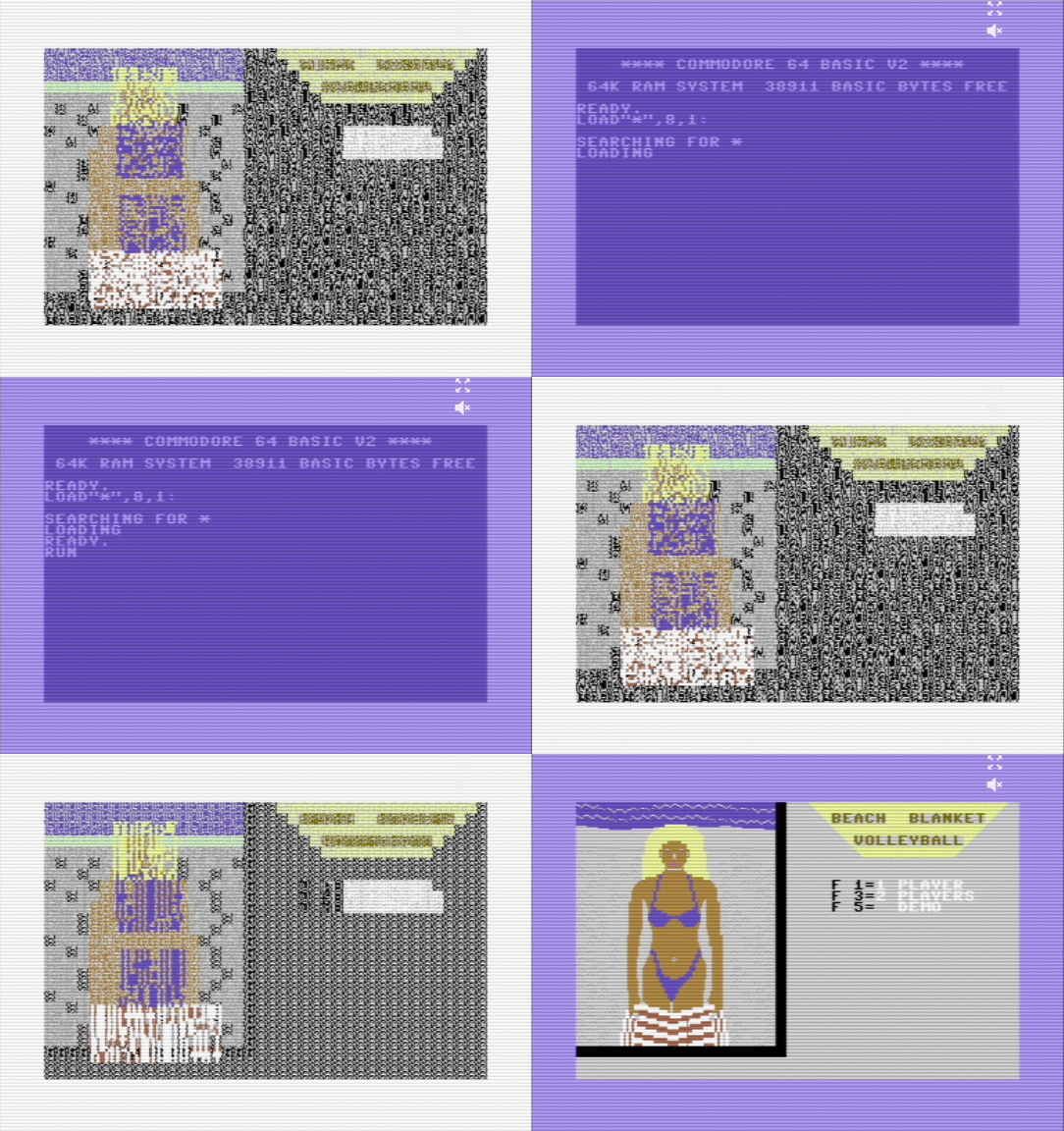
For Pac-Man fans
 Pacman swallowing planets T-Shirtaffiliate linkView on eBay »
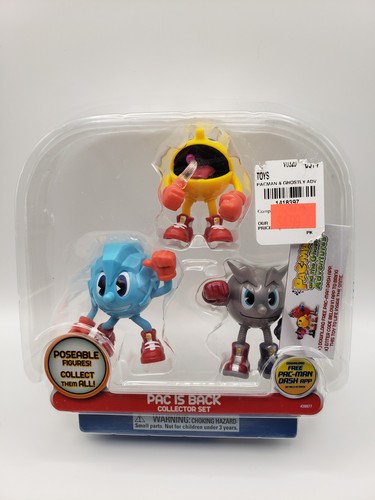 Bandai Pac-Man & The Ghostly Adventures Pac is Backaffiliate linkView on eBay »
 PAC-Man Limited Edition 7-Inch Collector's Halloween Themedaffiliate linkView on eBay »
 Retro Pac-Man 3D Framed Wall Art, Gamer Decoraffiliate linkView on eBay »
 Namco Pac-Man Red Ghost Miniso Resin Key Chain NOS 2020saffiliate linkView on eBay »
 MGA Entertainment Pac-Man Electronic Handheld Arcadeaffiliate linkView on eBay »
ControlsArrows move · Z X A S buttons · Enter Start · Shift Select · or plug in a gamepadCommodore 64
About the platform 1982–1994
The Commodore 64 is the best-selling home computer of all time (over 17 million units). Its SID sound chip became iconic and chiptune music is still composed for it today.
Here on oldgame.cz you play it right in your browser via the EmulatorJS emulator — no install, no plugins, on desktop and mobile.
Recommended controls: These games are controlled with the keyboard (see the controls table next to the game). A USB joystick/gamepad can make some titles more comfortable, but is not required.