 old
old
ライブチャット
このゲームについて今すぐチャット——マナーを守って
まだメッセージがありません。挨拶してみよう!
About the platform 1988–1997
The Sega Mega Drive (Genesis in the US) was the first widely successful 16-bit console. A direct rival of the SNES and successor to the Master System, it sold around 30 million units and was made famous by Sonic the Hedgehog.
Here on oldgame.cz you play it right in your browser via the EmulatorJS emulator — no install, no plugins, on desktop and mobile.
Recommended controls: This was a console game, so a USB gamepad gives the most authentic feel — just plug it into your computer. The keyboard works as well (see the controls table next to the game).
 ▶Medal City1991Sega Mega Drive
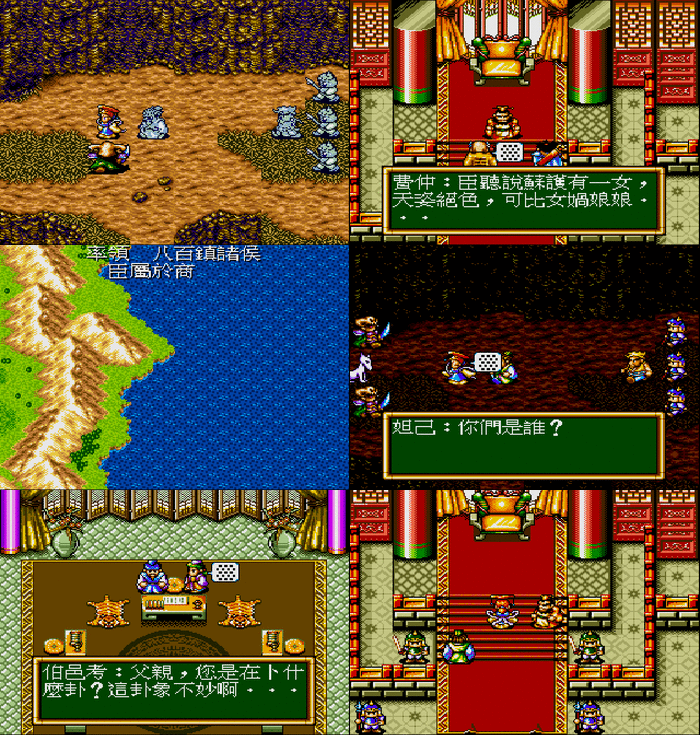 ▶Fengshen Yingjiechuan1996Sega Mega Drive
 ▶The Magic School Bus: Space Exploration Game1995Sega Mega Drive
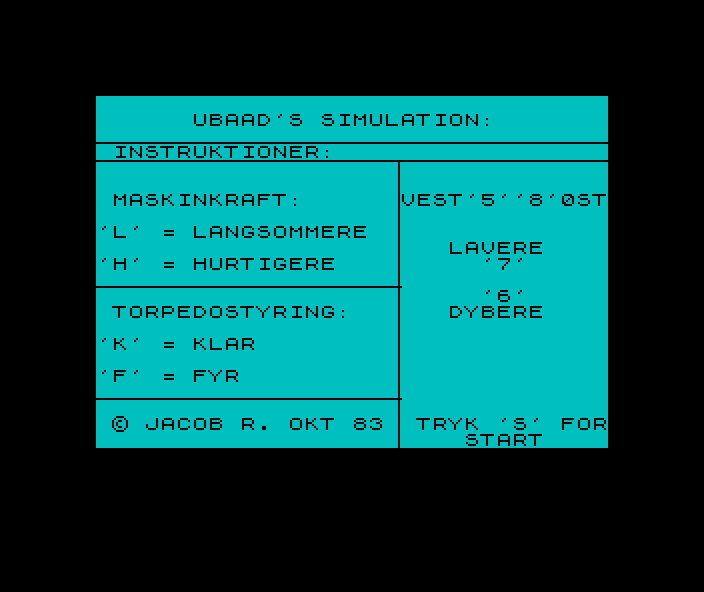 ▶Torpedo2005ZX Spectrum
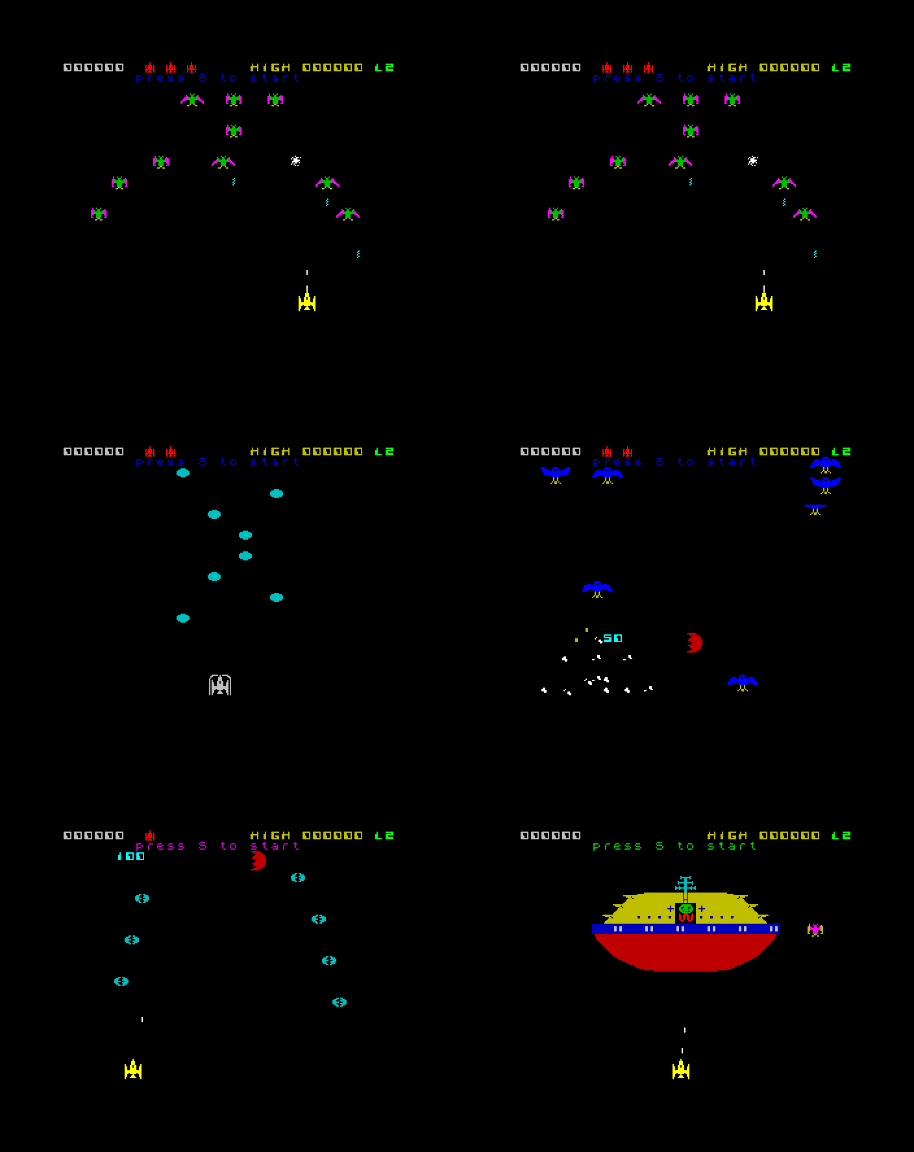 ▶Pheenix1983ZX Spectrum
 ▶Space Rider - Jet Pack Co1990ZX Spectrum
 ▶Star Wars III - Return of the JediZX Spectrum
 ▶3D Star Wars1983ZX Spectrum
 ▶Bubble Bobble - The Adventure1993ZX Spectrum
 ▶Dizzy - The Ultimate Cartoon Adventure1987ZX Spectrum
 ▶Animated Strip Poker1985ZX Spectrum
 ▶Djevojka sa Zapada - The Western Girl1988ZX Spectrum