 old
old
ライブチャット
このゲームについて今すぐチャット——マナーを守って
まだメッセージがありません。挨拶してみよう!
About the platform 1982–1992
Sinclair's ZX Spectrum was a cheap British 8-bit computer that brought gaming into millions of homes. It is known for its distinctive colour-clash graphics and a huge games library.
Here on oldgame.cz you play it right in your browser via the EmulatorJS emulator — no install, no plugins, on desktop and mobile.
Recommended controls: These games are controlled with the keyboard (see the controls table next to the game). A USB joystick/gamepad can make some titles more comfortable, but is not required.

 ▶Pacman's Revenge1987ZX Spectrum
 ▶Manic Mower1992ZX Spectrum
 ▶Digger Dan1983ZX Spectrum
 ▶World Destruction1985ZX Spectrum
 ▶Bongo1984ZX Spectrum
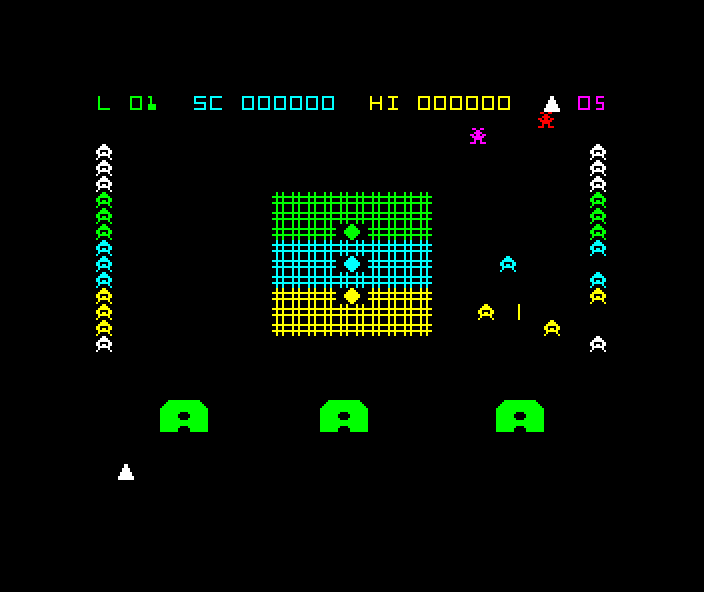 ▶Jail Break1986ZX Spectrum


 ▶Sirwood1990ZX Spectrum
 ▶Explorer XXXI1988ZX Spectrum


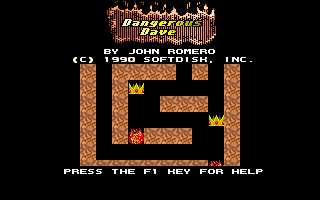 ▶Dangerous Dave1990MS-DOS / PC
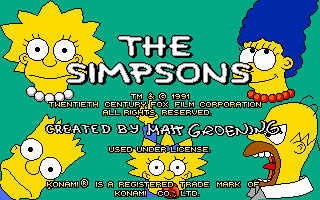 ▶The Simpsons Arcade Game1991MS-DOS / PC


