 old
old
实时聊天
实时聊聊这款游戏——请友善
还没有消息。来打个招呼吧!
About the platform 1988–1997
The Sega Mega Drive (Genesis in the US) was the first widely successful 16-bit console. A direct rival of the SNES and successor to the Master System, it sold around 30 million units and was made famous by Sonic the Hedgehog.
Here on oldgame.cz you play it right in your browser via the EmulatorJS emulator — no install, no plugins, on desktop and mobile.
Recommended controls: This was a console game, so a USB gamepad gives the most authentic feel — just plug it into your computer. The keyboard works as well (see the controls table next to the game).

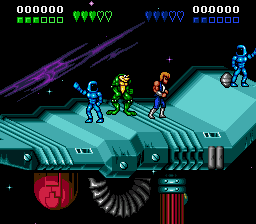 ▶Battletoads-Double Dragon1993Sega Mega Drive
 ▶Ghouls 'n Ghosts1988Sega Mega Drive
 ▶Jurassic Park: Rampage Edition1994Sega Mega Drive
 ▶batman1995Sega Mega Drive
 ▶Streets of Rage 21992Sega Mega Drive
 ▶Rolling Thunder 21991Sega Mega Drive

 ▶Cyber Police ESWAT1989Sega Mega Drive


 ▶Doom1993MS-DOS / PC