oldgame.cz — eski ve retro oyunlar ücretsiz çevrimiçi
TR
95 Masaüstü

Animation Power

– MS-DOS
Animation Power
KontrollerOk tuşları hareketCtrl/Alt ateşEnter kullanmaEnter/Boşluk start/seçEsc menuMS-DOS

MS-DOS / PC

Oyun bilgisi_□✕

Animation Power hakkında

Bu inceleme henüz çevrilmedi — orijinalini gösteriyoruz (English).

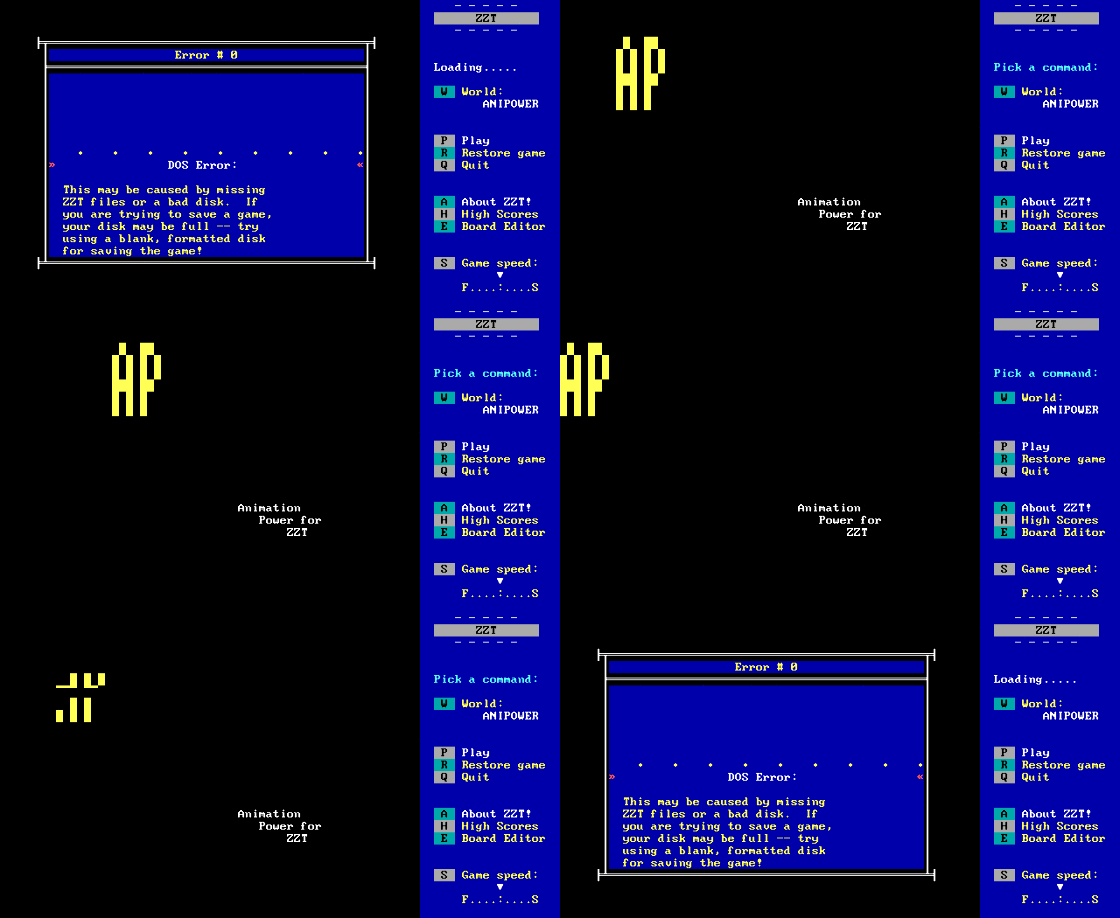
Making animation in DOS? That sounds like torture. Animation Power took it as a challenge and pulled it off pretty well — back in the nineties, this editor was one of the few tools players could use to mess around with motion and create their own sequences. Graphics on a black background, simple menu, the whole "draw something, then tell it to move" deal.

Animation Power – screenshot 1

It's more of a work tool than a game. Sketch a character, copy it, shift it by pixels, and boom — you've got animation. Keyboard controls, no mouse, dropdown menus, numeric choices. That's exactly what graphics solutions looked like back then — cheap, practical, no flashy design. Want color? Pick one. Want speed? Set your frames. Want to save your animation? Hope you remembered how to do it.

There's no playing here — it's work. And pretty exhausting work at that. It lacks intuition, speed, all the stuff we get for free in Paint programs nowadays. But back then? Back then it was fascinating to see how animation actually got made. It wasn't just an effect on screen — you had to build it by hand. Pixel by pixel.

Animation Power belongs to those tools that older players know about in theory, not experience. It wasn't meant for everyone — more for the enthusiasts who cared how things moved. Today it makes sense mostly as a historical curiosity. Fire it up in an emulator, try three animations, and understand why digital creation moved on to GPUs and the cloud.

Animation Power – screenshot 2

If you're curious about how animation worked before it was fashionable, give it a shot. But don't expect to have fun here. It's about approach, about the technique we used to create those pixel characters that followed us through the nineties. Serious craft without the gloss.

Animation Power hakkında sık sorulan sorular

Animation Power oyununu çevrimiçi olarak ücretsiz oynayabilir miyim?
Evet — Animation Power oyununu kurulum ve eklenti gerektirmeden, hem masaüstünde hem de mobilde, doğrudan tarayıcınızda ücretsiz oynayabilirsiniz.
Animation Power oyununu indirebilir miyim?
Evet, Animation Power buradan indirilebilir — bu sayfadaki İndir düğmesini kullanın.
Animation Power hangi platformda çalışır?
Animation Power, bir MS-DOS / PC oyunudur.
Animation Power oyununda ilerlemeyi nasıl kaydederim?
Kaydı oyunun kendi menüsünden veya F2/F3 ile yap. (Ücretsiz) giriş yaparsan konumun buluta da kaydedilir; başka bilgisayarda veya telefonda devam edebilirsin.
Animation Power oyununu burada çevrimiçi oynamak yasal mı?
Tarayıcıdaki emülatörle oynarsın. Abandonware ve telif haklarına yaklaşımımız "Yasal mı?" sayfasında.
Animation Power nasıl kontrol edilir?
Kontroller bu sayfadaki Kontroller bölümünde. Genelde klavye yeter — ok tuşlarıyla hareket, Ctrl, Alt veya boşlukla aksiyon.
Animation Power mobilde oynanır mı?
Evet — telefon ve tablette de tarayıcıda çalışır. Oyna'ya dokunman yeter, kurulum yok.

Animation Power hakkında yorumlar

(0)

Henüz yorum yok. İlk sen ol!

Oyun platformu – MS-DOS / PC_□✕
Platform hakkında 1981–2000

MS-DOS, 80’ler ve 90’lardaki PC oyunculuğunun kalbiydi — metin maceralarından stratejiye, türü tanımlayan nişancı oyunlarına (Doom, Wolfenstein 3D) kadar binlerce oyuna ev sahipliği yapan açık bir platform. Konsol değil ama koca bir kuşağın oyun yuvası.

Üretici IBM PC / Microsoft  ·  Yıllar 1981–2000

Burada oldgame.cz üzerinde oyunu doğrudan tarayıcında js-dos emülatörüyle oynarsın, kurulum ve eklenti yok, bilgisayarda ve mobilde.

Önerilen kontroller
Bu oyunlar klavye ile oynanır (oyunun yanındaki kontrol tablosuna bak). USB joystick ya da gamepad bazı oyunları daha rahat yapabilir ama şart değil.

» Bu platform hakkında daha fazlası Vikipedi'de

» Rastgele
🚪 Klasik site