 old
oldWindows 3.0
– MS-DOS
För Pac-Man-fansAnnons
 Halloween Pac-Man Arcade Tee Pumpkin Ghosts, Retro ShirtAnnonsSe på eBay »
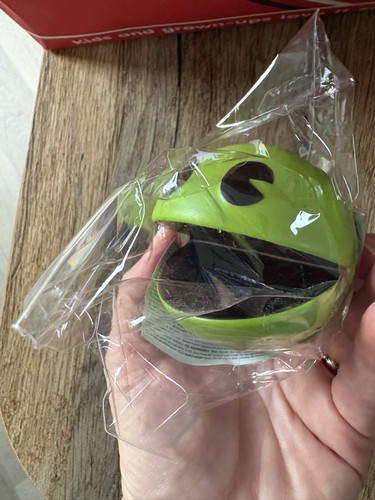 Pacman Pac Man Stress Reliever Ball Head Retro Toy FigureAnnonsSe på eBay »
 Retro PAC-Man Wrist/sweatband namco 2006 SealedAnnonsSe på eBay »
 Pac-Man 40th Anniversary Set Bandai Namco Mug Socks KeyringAnnonsSe på eBay »
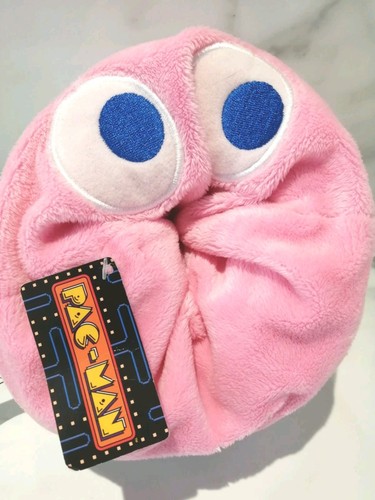 Bandai Namco 7" Pac-Man Reversible Ghost Plush - Pinky -AnnonsSe på eBay »
 Bandai Namco Pac Man Stress Reliever Ball Ghosts Full Set +AnnonsSe på eBay »För Pac-Man-fansHalloween Pac-Man Arcade Tee Pumpkin Ghosts, Retro ShirtSe på eBay »För Pac-Man-fansPacman Pac Man Stress Reliever Ball Head Retro Toy FigureSe på eBay »För Pac-Man-fansRetro PAC-Man Wrist/sweatband namco 2006 SealedSe på eBay »För Pac-Man-fansPac-Man 40th Anniversary Set Bandai Namco Mug Socks KeyringSe på eBay »
Spelet laddas under tiden
KontrollerPiltangenter röraCtrl/Alt skjutaEnter användaEnter/Mellanslag start/väljEsc menuMS-DOS
←↑↓→Rör dig
CtrlAltMellanslagHandling / skjut
EnterBekräfta / start
EscMeny / paus
Esc spelmeny · F2 spara i spelet · F3 ladda i spelet
About the platform 1981–2000
For two decades MS-DOS was the main gaming platform on PCs. Games launched from the command line and used sound cards like Sound Blaster or AdLib. DOS is the home of legends such as Doom, Prince of Persia and Commander Keen.
Here on oldgame.cz you play it right in your browser via the js-dos emulator — no install, no plugins, on desktop and mobile.
Recommended controls: These games are controlled with the keyboard (see the controls table next to the game). A USB joystick/gamepad can make some titles more comfortable, but is not required.