Этот обзор ещё не переведён — показываем оригинал (English).
A computer that learned to play chess by itself — that was the dream of programmers in the seventies. MyChess from 1979 wasn't the first attempt, but it was one of the first that you could actually buy on personal computers. On DOS, it showed up more as a curiosity than as a threat to chess masters.

It's a classic chess engine — it plays against you, with several difficulty levels ranging from easy to no-mercy. The board is styled in text, moves are entered via command (A2-A4 and such), no click-and-drag here. The interface looks like it was born on a typewriter, which was normal in the nineties, but today it feels like a museum piece. No graphics, no animations, just characters and logic.
The gameplay itself is slow in the best sense of the word — the computer thinks, sometimes longer, sometimes briefly. It plays reasonably, not dumbly, but also not like a computer that would crush you easily. You'll find a level where you can play a solid game without getting unnecessarily frustrated by its genius. It understands defense and openings, but it's not cutting-edge in the chess program universe.
MyChess is fascinating historically — it's a window into the days when chess on computers was just being born and nobody could imagine that a machine would play at superhuman level fifty years later. For today's player, it's primarily a curiosity, nostalgia for those who remember computers without hard drives. If you're interested in how it all began, or want to play a game without pressure and without the internet, it's worth a try.
In a browser or via an emulator, MyChess runs without problems. A session lasts about twenty minutes, the computer doesn't rush, and neither do you. It's not a game you'd want to watch being played daily, but as an occasional companion to tea or as a lesson in how chess was played in an era when only those who owned a computer could play it.
 old
old


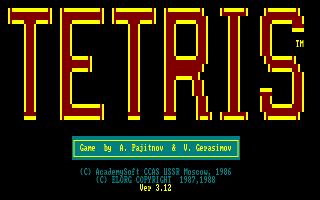 ▶Tetris1985MS-DOS / PC
 ▶Teenage Queen1988MS-DOS / PC
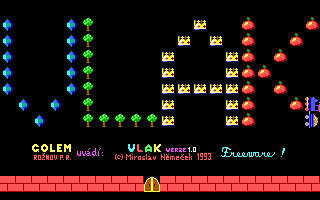 ▶Vlak1993MS-DOS / PC
 ▶Boulder Dash1984MS-DOS / PC

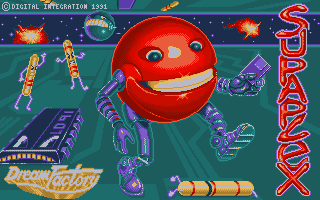 ▶Supaplex1991MS-DOS / PC
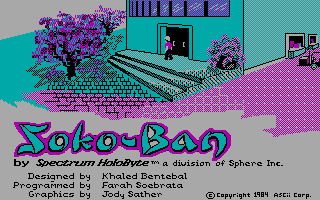 ▶Sokoban1984MS-DOS / PC


 ▶Boulder Dash III1986ZX Spectrum


 ▶Arkanoid1988MS-DOS / PC
 ▶Chess1998Sega Mega Drive