 old
Simeo
– MS-DOSPour les fans de SonicPublicité
 T-shirt noir Sonic Shadow the Hedgehog imprimé taillePublicitéVoir sur eBay »
 Sonic the Hedgehog Figure SoftB Half/Bell Fine FigurinePublicitéVoir sur eBay »
 Sonic The Hedgehog All Star Collection Emmy Plush PeluchePublicitéVoir sur eBay »
 Lampe Poster / Light - Sonic the HedgehogPublicitéVoir sur eBay »
 Sonic the Hedgehog Lampe de bureau RGB LED USB-C piles AAAPublicitéVoir sur eBay »
 Hawkwind - Sonic Attack (navy) Blue T-shirtPublicitéVoir sur eBay »Pour les fans de SonicT-shirt noir Sonic Shadow the Hedgehog imprimé tailleVoir sur eBay »Pour les fans de SonicSonic the Hedgehog Figure SoftB Half/Bell Fine FigurineVoir sur eBay »Pour les fans de SonicSonic The Hedgehog All Star Collection Emmy Plush PelucheVoir sur eBay »Pour les fans de SonicLampe Poster / Light - Sonic the HedgehogVoir sur eBay »
Le jeu se charge pendant ce temps
CommandesFlèches déplacerCtrl/Alt tirerEnter utiliserEnter/Espace start/sélectionEsc menuMS-DOS
←↑↓→Déplacement
CtrlAltEspaceAction / tir
EnterValider / start
EscMenu / pause
Esc menu du jeu · F2 sauvegarde en jeu · F3 chargement en jeu
About the platform 1981–2000
For two decades MS-DOS was the main gaming platform on PCs. Games launched from the command line and used sound cards like Sound Blaster or AdLib. DOS is the home of legends such as Doom, Prince of Persia and Commander Keen.
Here on oldgame.cz you play it right in your browser via the js-dos emulator — no install, no plugins, on desktop and mobile.
Recommended controls: These games are controlled with the keyboard (see the controls table next to the game). A USB joystick/gamepad can make some titles more comfortable, but is not required.
Rdr▶NouveauRdrMS-DOS / PC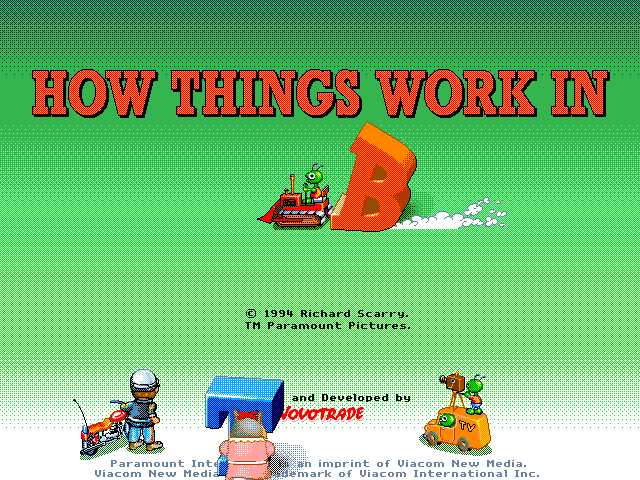 ▶NouveauRichard Scarry's How Things Work in Busytown1994MS-DOS / PC
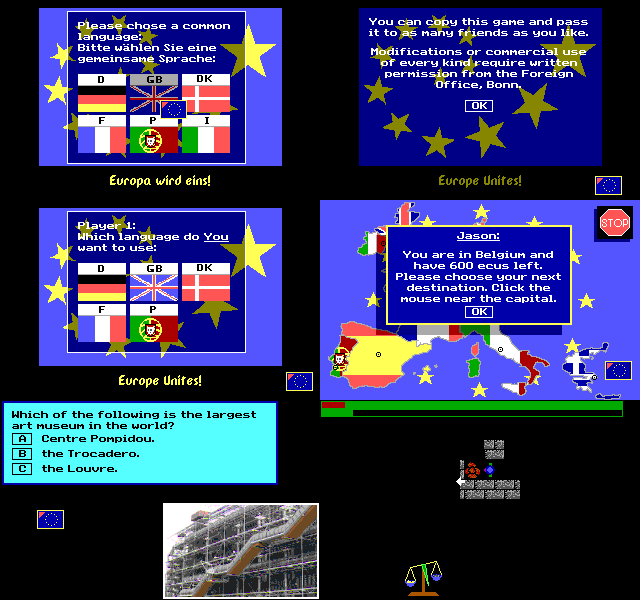 ▶Off to Europe / Auf dem weg nach Europa v4.3 (1993)1993MS-DOS / PC
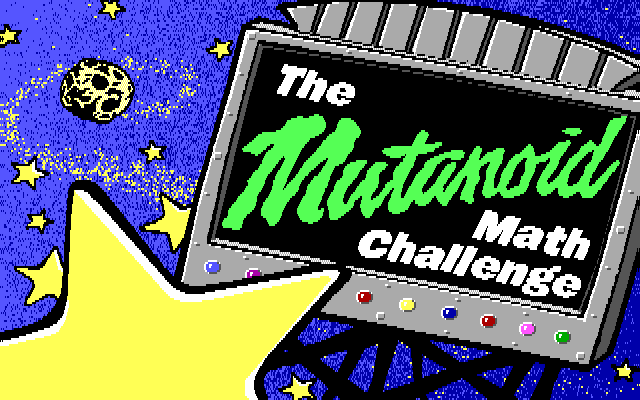 ▶The Mutanoid Math Challenge1991MS-DOS / PC
 ▶Vegas Pro Video Poker1989MS-DOS / PCTokko▶NouveauTokkoMS-DOS / PC
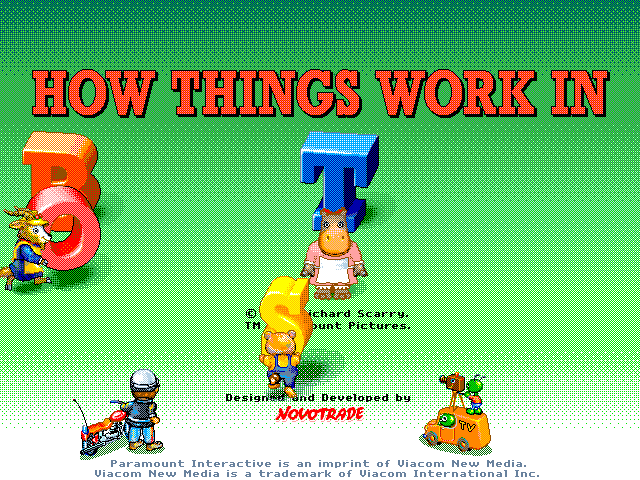 ▶How Things Work in Busytown1994MS-DOS / PC


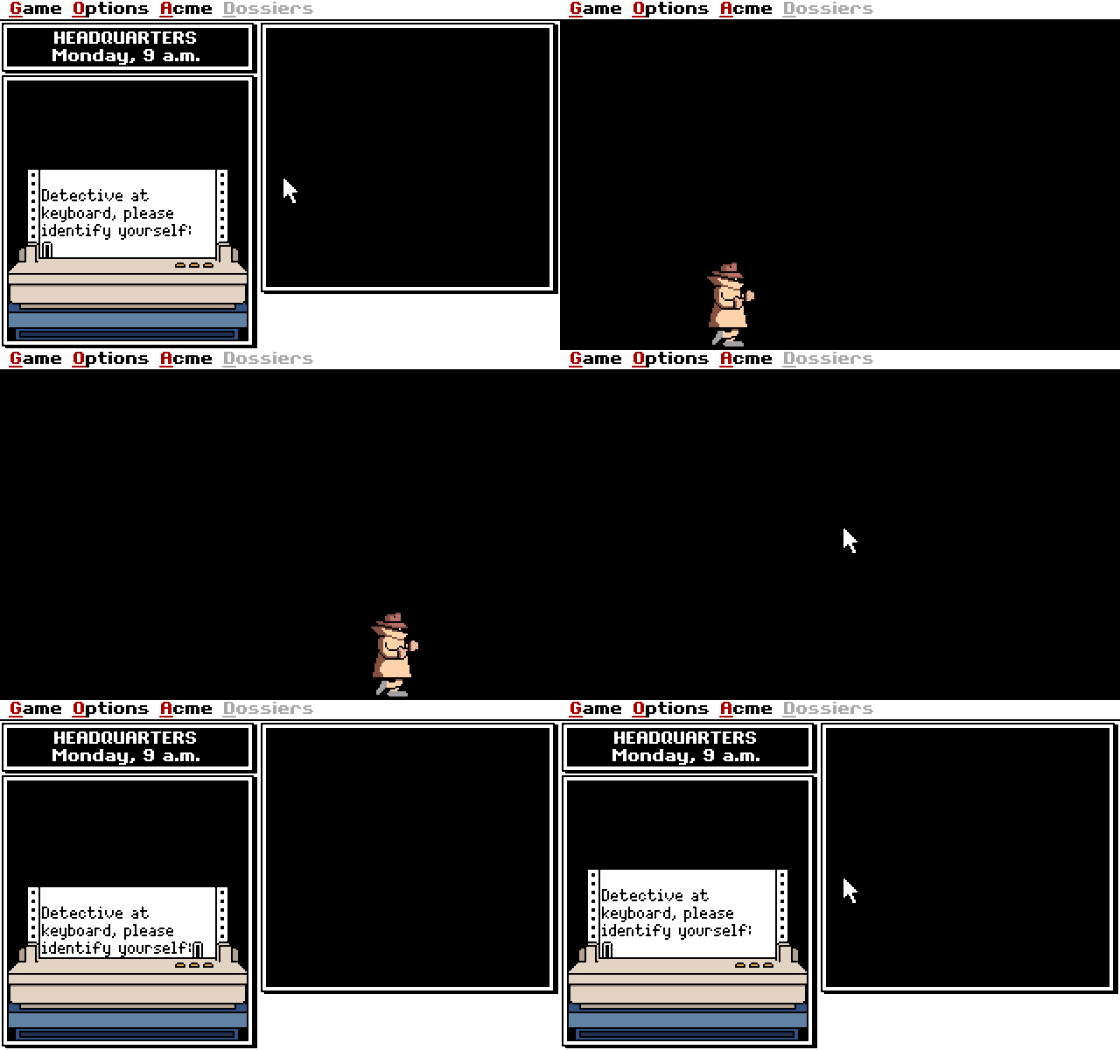 ▶Daily Carmen Sandiego1992MS-DOS / PC
▶NouveauRichard Scarry's How Things Work in Busytown1994MS-DOS / PC▶Off to Europe / Auf dem weg nach Europa v4.3 (1993)1993MS-DOS / PC▶The Mutanoid Math Challenge1991MS-DOS / PC▶Vegas Pro Video Poker1989MS-DOS / PCTokko▶NouveauTokkoMS-DOS / PC▶How Things Work in Busytown1994MS-DOS / PC

 ▶Daily Carmen Sandiego1992MS-DOS / PC