oldgame.cz — mga luma at retro na laro online nang libre
TL
95 Desktop
oldgame.czUncategorized

Star Wars III - Return of the Jedi

_
Window:
Star Wars III - Return of the Jedi
Arrows move · Z X A S buttons · Enter Start · Shift Select · or plug in a gamepad
L · QR · E
Select · ShiftStart · Enter
SAXZ

Arrows = move (D-pad) · Z X A S = action buttons · Enter = Start · Shift = Select · Q/E = L/R. You can also plug in a real gamepad — the emulator menu lets you remap everything.

  • Open the player menu to save/load state, remap keys or plug in a gamepad.
  • Go fullscreen for the best experience.

Emulator: EmulatorJS

Live chat — Star Wars III - Return of the Jedi_
live chat mag-chat tungkol sa larong ito ngayon — maging mabait

Wala pang mensahe. Kumusta ka!

Uncategorized · ZX Spectrum

Impormasyon ng laro_
Tungkol sa laro

Hindi pa naisasalin ang review na ito — ipinapakita ang orihinal (English).

Star Wars III - Return of the Jedi is a ZX Spectrum treatment of the third film in the original trilogy. The record carries neither a year nor an author, so any dating has to be inferred: film licences from this series reached eight-bit computers during the second half of the eighties, several years after the film itself.

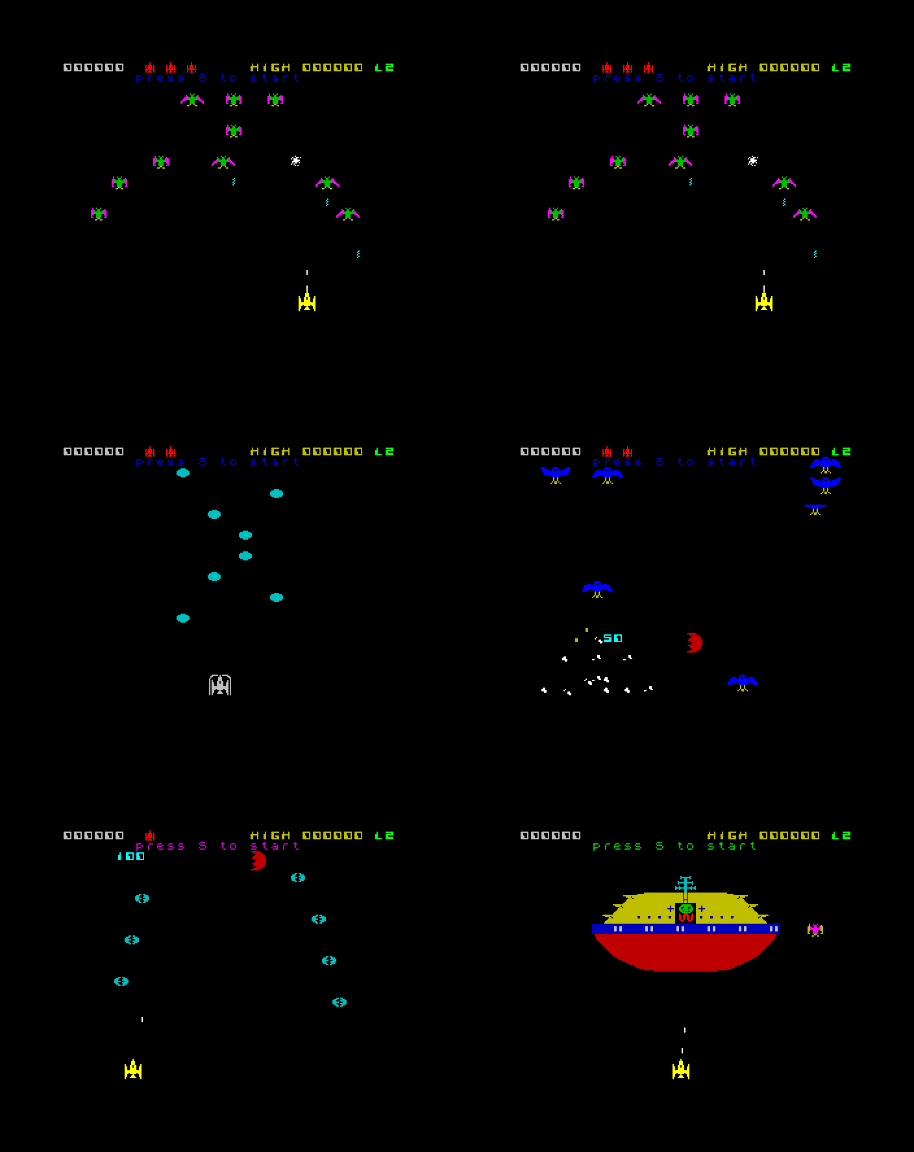
Star Wars III - Return of the Jedi – screenshot 1

Licensed adaptations had a peculiar economy on the Spectrum. The publisher paid for a name and a story, but the game still had to fit into 48 kilobytes, so one or two scenes were chosen and turned into an action sequence. The player received not a retold plot but a short stretch they remembered from the cinema.

Colour was the main obstacle for spectacle licences on this machine. Space scenes were drawn either in monochrome or with heavy stylisation, because per-pixel colour simply was not available on the hardware.

Star Wars III - Return of the Jedi – screenshot 2

The catalogue also omits player count and perspective, though the archive already logs plays for it, so the image is confirmed working.

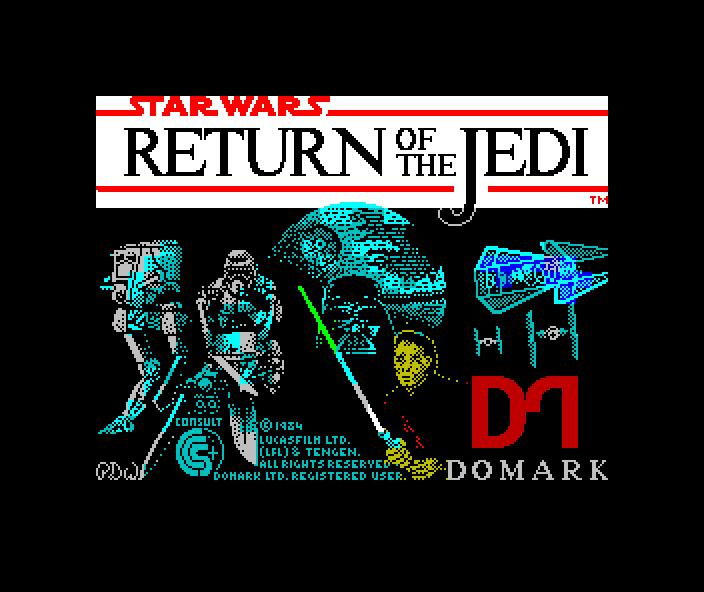
The Spectrum developed a habit of its own with licensed titles: the loading screen. While the tape streamed in, a hand-drawn picture appeared line by line, often the most elaborate artwork in the whole product. Larger games then used multiload, pulling each section from tape separately, so losing progress meant waiting through another load.

Star Wars III - Return of the Jedi – screenshot 3

This Spectrum take on the film can be opened and played in the browser here on OldGame.cz.

Mga gabay at FAQ
Puwede ko bang laruin ang Star Wars III - Return of the Jedi online nang libre?
Oo — puwede mong laruin ang Star Wars III - Return of the Jedi dito mismo sa iyong browser nang libre, nang walang pag-install at walang plugin, sa desktop man o sa mobile.
Puwede ko bang i-download ang Star Wars III - Return of the Jedi?
Oo, puwedeng i-download ang Star Wars III - Return of the Jedi dito — gamitin ang Download button sa pahinang ito.
Sa anong platform tumatakbo ang Star Wars III - Return of the Jedi?
Ang Star Wars III - Return of the Jedi ay isang larong ZX Spectrum.
Legal bang laruin ang Star Wars III - Return of the Jedi online dito?
Naglalaro ka gamit ang emulator mismo sa browser. Kung paano namin hinahawakan ang abandonware at copyright, nasa pahinang "Legal ba ito?".
Paano kontrolin ang Star Wars III - Return of the Jedi?
Nasa seksyong Kontrol ng pahinang ito ang mga kontrol. Kadalasan sapat na ang keyboard — arrow keys para gumalaw at Ctrl, Alt o Space para sa aksyon.
Puwede bang laruin ang Star Wars III - Return of the Jedi sa mobile?
Oo — tumatakbo ito sa browser kahit sa phone at tablet. I-tap lang ang Maglaro, walang ii-install.
Rate this game

No ratings yet — be the first.

Mga komento (0)

Wala pang komento. Ikaw ang mauna!

Gaming platform: ZX Spectrum_
About the platform 1982–1992

Sinclair's ZX Spectrum was a cheap British 8-bit computer that brought gaming into millions of homes. It is known for its distinctive colour-clash graphics and a huge games library.

Maker: Sinclair  ·  Years: 1982–1992

Here on oldgame.cz you play it right in your browser via the EmulatorJS emulator — no install, no plugins, on desktop and mobile.

Recommended controls: These games are controlled with the keyboard (see the controls table next to the game). A USB joystick/gamepad can make some titles more comfortable, but is not required.

» More about this platform on Wikipedia

Mga katulad na laro_
» Random